How To Form A Multi-dog System Of Intelligent Remote Control Dog Trainer
Feb 19, 2021
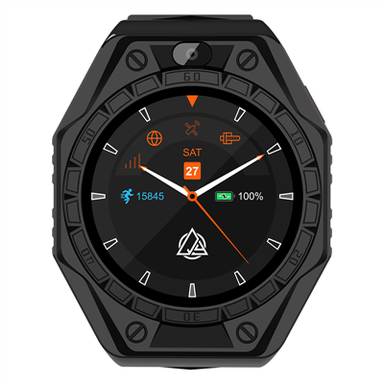
1. Turn on an existing dog trainer, press and hold the power button on the remote control for 3 seconds, the display will light up, indicating that the remote control is turned on.
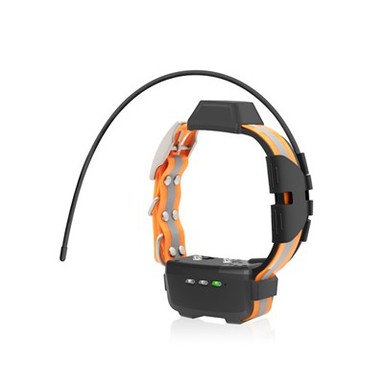
2. Press and hold the power switch on the receiver for 3 seconds, the green light will turn on, and you will hear two beeps, indicating that the receiver is turned on.
3. When the remote control is turned on, it is paired with the "A" dog by default. Press the sound button, if you can hear the receiver beep. It means that the current paired dog is "A". Then, the other two receivers should be paired as "B" dog and "C" dog.
4. On the remote control, press and hold the "+" button and the discharge button at the same time until the character "A" automatically moves from left to right on the LCD screen, then release. Indicates that matching mode has been entered.